 Ziggy
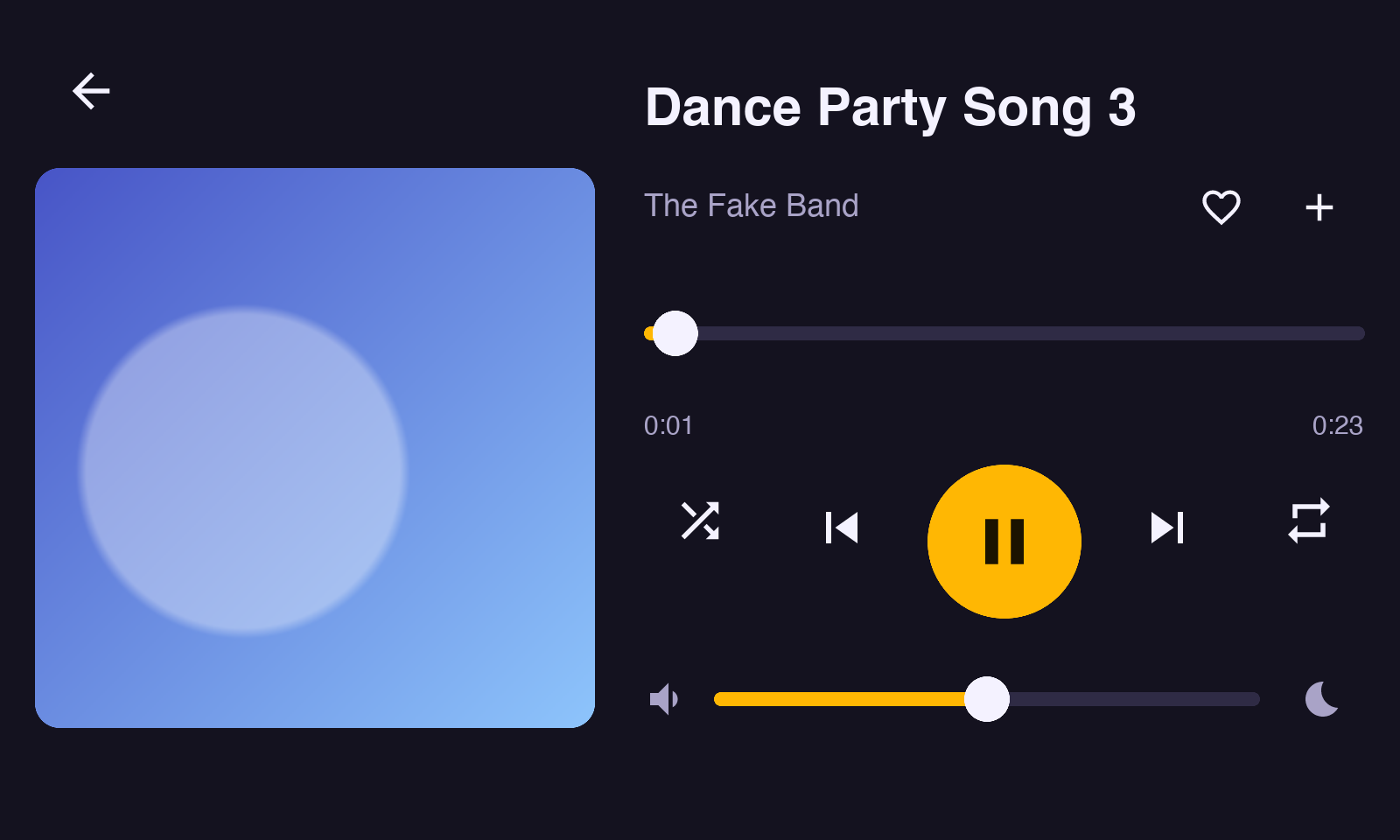
Music without the phone
We built Ziggy as a way for kids to discover and listen to music. No apps. No distractions. The way we did growing up.
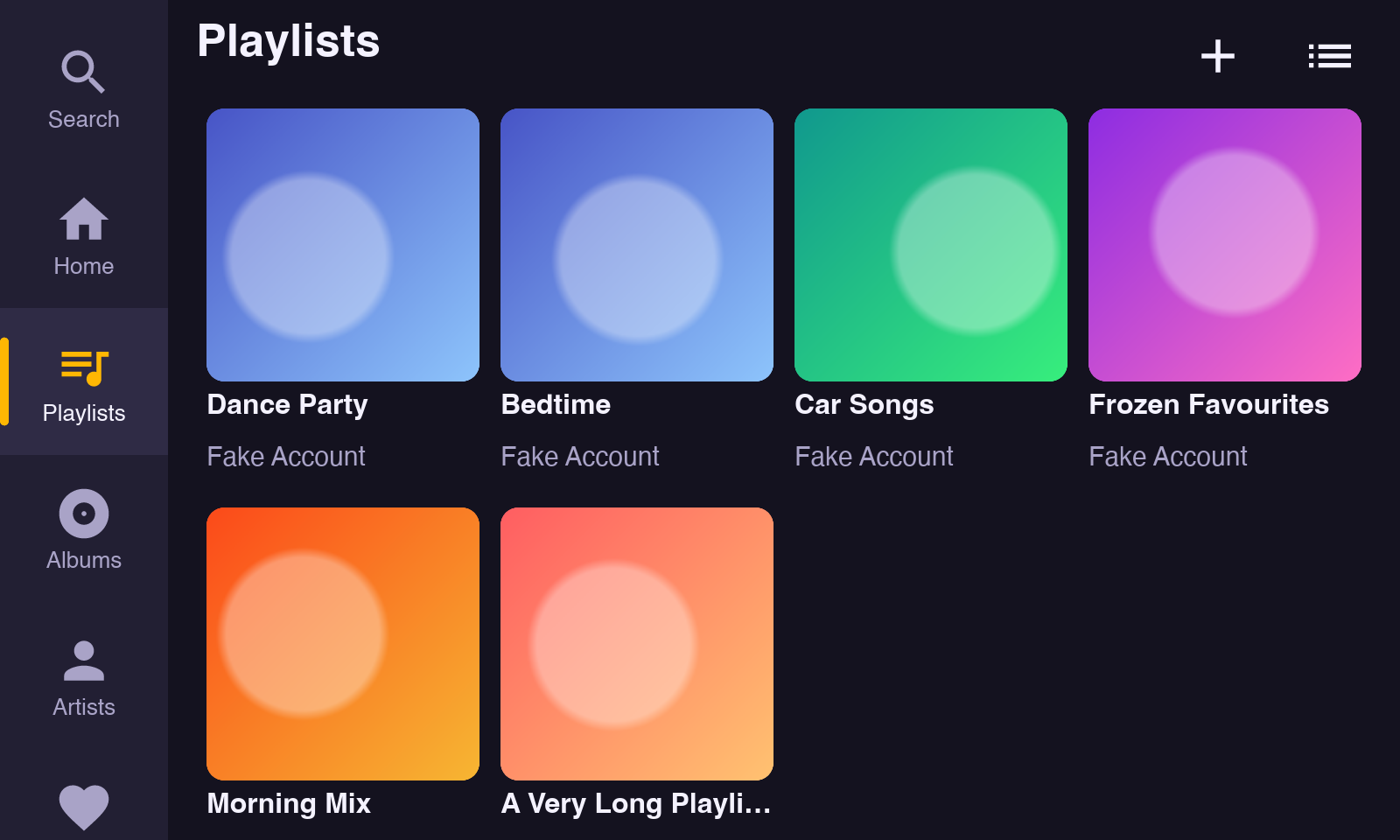
Your Spotify or MP3 collection
Ziggy is designed to work with Spotify (requires Spotify Premium) or with MP3s kept on the player. Playlists, albums, artists and liked songs, plus search.
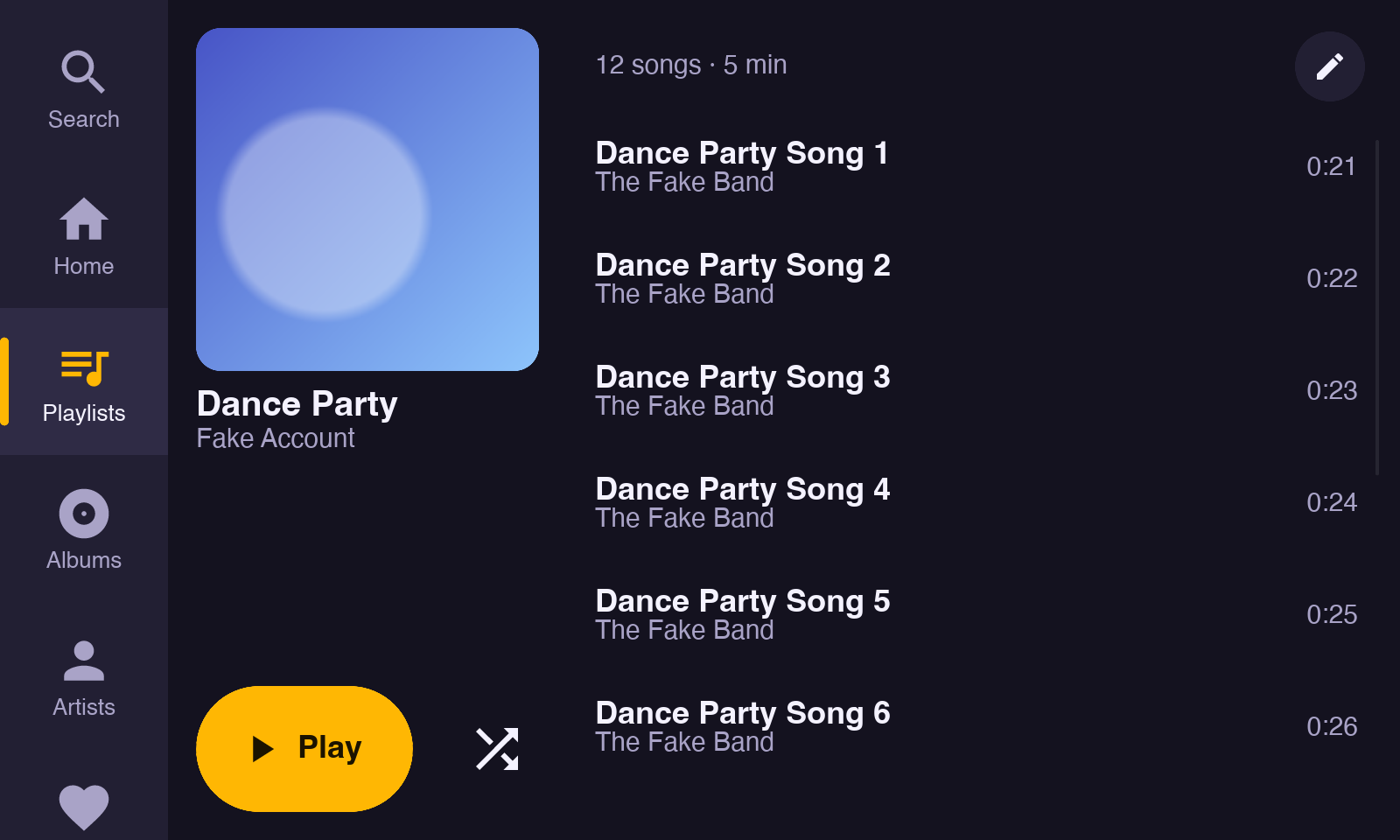
Play it, heart it, save it
Easily search and find the artists and albums you want. No AI suggestions.
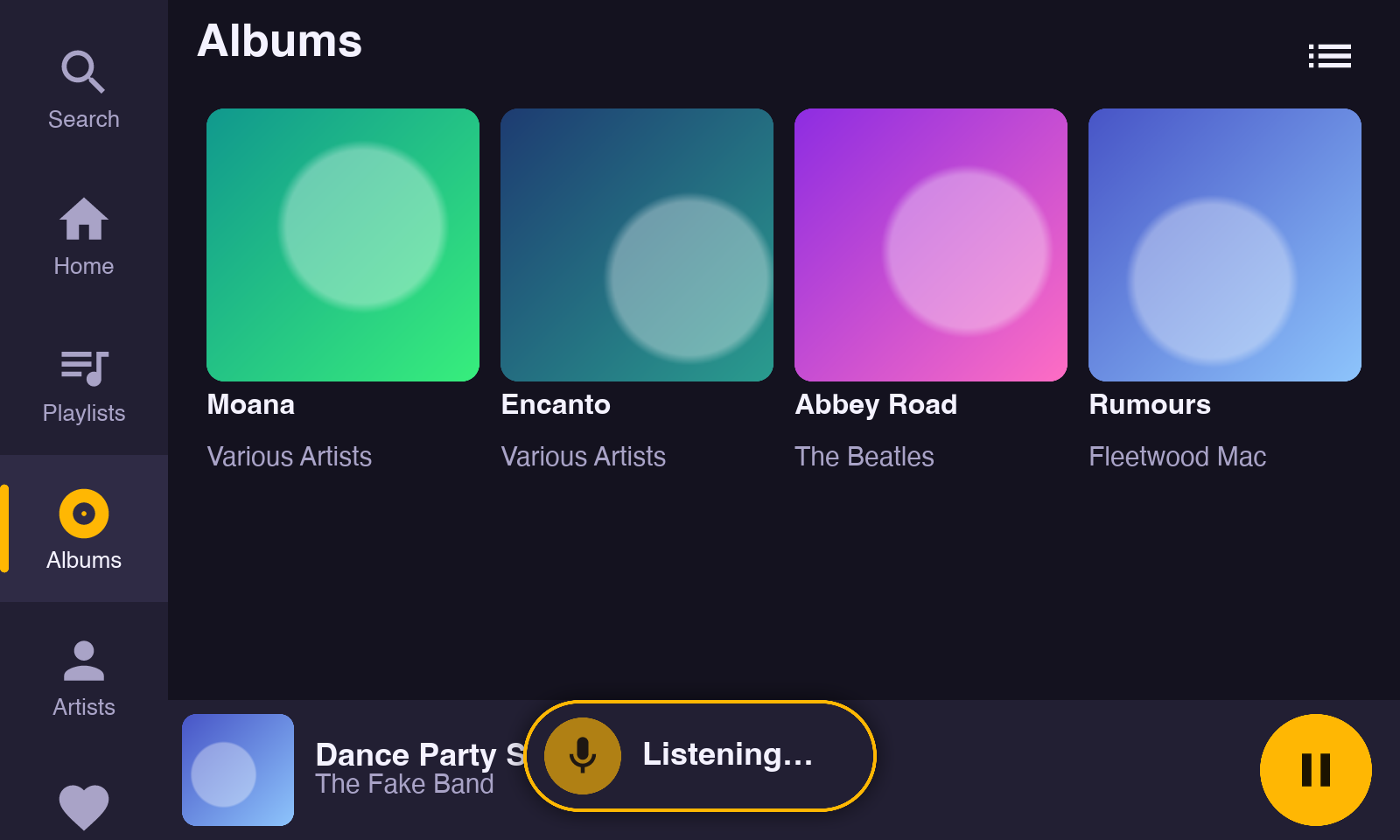
Voice control
"Ziggy, play Road Trip." Add a USB microphone and bring your own AI model.
- You have complete controlSelect Gemini or your preferred model. No snooping by Apple or Alexa: the wake word is heard on the Pi, and no audio leaves the player until someone says "Ziggy".
- Truly smart search"Ziggy, play Paul Simon's first solo album." Fully benefit from your AI's intelligence.
Home Assistant
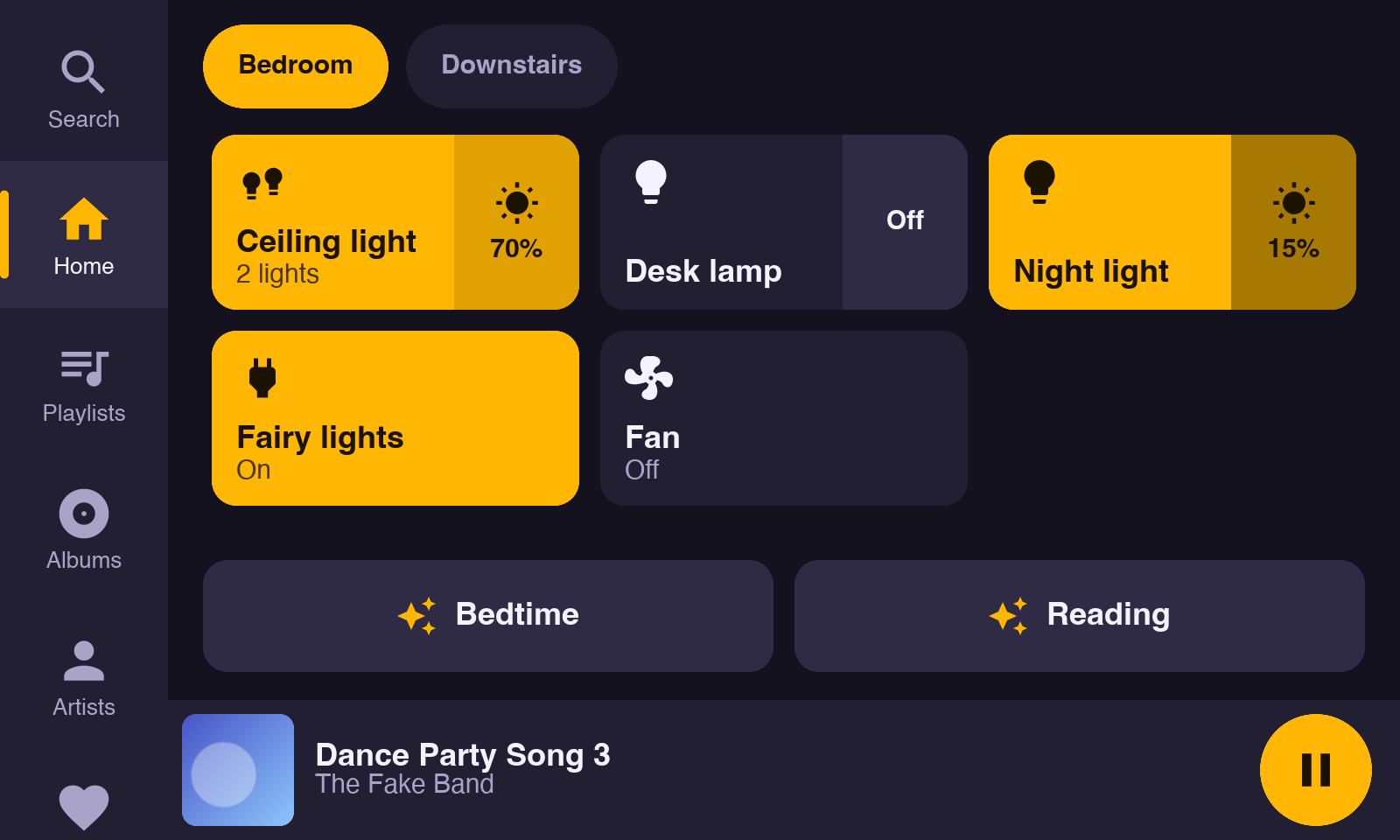
Control your smart devices via Home Assistant.
- Ziggy is open sourceAdd your own devices (e.g. Ring cameras) and actions.
Parts
Raspberry Pi 3 Model A+
Small, cool-running and enough for Ziggy. Any newer Pi works too.
PiShop.us7" DSI touchscreen
An 800×480 touchscreen such as Hosyond's, which carries the Pi on its back. Standoffs, screws, the ribbon cable and two legs come in the box.
AmazonmicroSD card, 16 GB
Holds Raspberry Pi OS and the player. 16 GB leaves plenty of room; 8 GB is the least. Pick one marked A1; a faster card makes no difference on this Pi.
Amazon5 V micro-USB supply
2.5 A, like the official Raspberry Pi supply, or a USB charger with a right-angle micro-USB cable, which stays out of sight behind the screen. The Pi powers the screen through its pins.
Right-angle cable on AmazonSpeakers or headphones
Anything on the Pi's headphone jack, a Bluetooth speaker, or a Sonos system.
The parts total about $80–90. You also need a Spotify Premium account.
Putting it together
Setting it up
-
Install the setup tool
On a Mac or Linux computer:
curl -fsSL https://raw.githubusercontent.com/mberg/ziggy/main/install.sh | sh -
Prepare the card
In Raspberry Pi Imager, write Raspberry Pi OS Lite (64-bit). In its settings, set a hostname, your Wi-Fi, and SSH with your public key.
-
Run setup
With the Pi on and the card in, run:
ziggy setupThe README has every step, and how to look after a player.